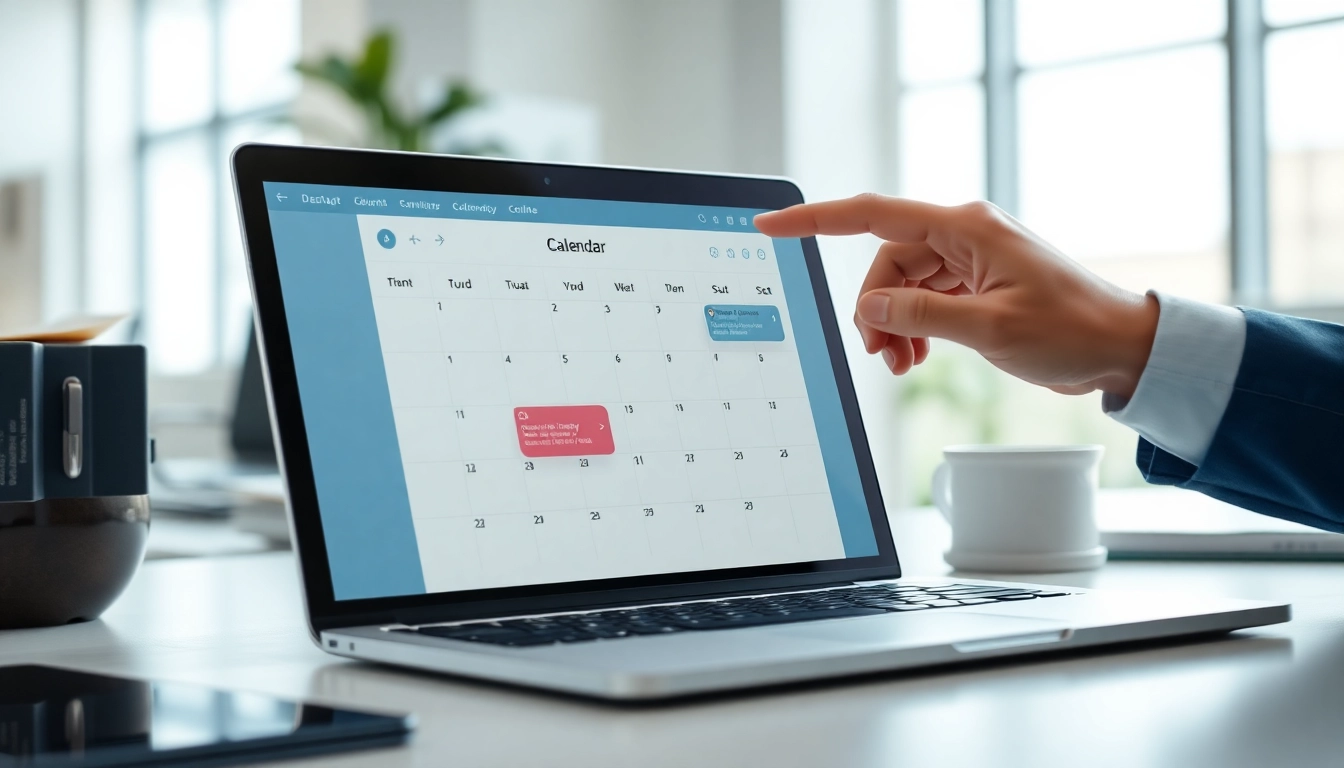
Understanding Calendar Conflicts
Definition and Importance of Calendar Management
Calendar conflicts arise when two or more scheduled events overlap, leading to potential disruptions and miscommunication. Effective calendar management is critical in both personal and professional settings, as it allows individuals and teams to make informed decisions while maximizing productivity. By understanding how to address these conflicts, organizations can enhance their operational efficiency.
Common Types of Calendar Conflicts
There are several common types of calendar conflicts:
- Double Booking: This occurs when two events are scheduled for the same time, making it impossible to attend both.
- Recurring Events: Conflicts may arise with recurring meetings that are not accurately reflected across platforms.
- Time Zone Mistakes: Scheduling events across time zones can lead to confusion, resulting in unintended overlaps.
- Overlapping Commitments: This happens when committees or group projects are not well coordinated, leading to unmanageable schedules.
Impact on Productivity and Scheduling
Calendar conflicts can significantly impede productivity. Employees may experience stress, reduced morale, and decreased efficiency when faced with overlapping responsibilities. Additionally, such conflicts can lead to lost opportunities for collaboration, ineffective meetings, and overall frustration within teams. Thus, addressing these issues promptly is crucial for maintaining a harmonious workplace.
How to Fix Calendar Conflicts Automatically
Utilizing Calendar Settings for Automatic Declines
Many modern calendar applications come equipped with settings that allow users to manage invitations effectively. By adjusting these settings, individuals can automatically decline meeting requests that conflict with existing events. For example, in Google Calendar, users can navigate to the settings and enable the auto-decline feature for conflicting invitations. This prevents clutter in their calendars and allows for more deliberate scheduling.
Implementing Calendar Syncing Tools
One efficient way to fix calendar conflicts automatically is by using calendar syncing tools. Tools like synchronizing Google Calendar with Outlook ensure real-time updates across platforms. This two-way integration helps in maintaining a single source of truth for scheduling events while minimizing conflicts. Regular synchronization means that any changes made in one calendar reflect instantly in the other, maintaining continuity.
Using Third-party Apps for Enhanced Functionality
Various third-party applications specialize in calendar management and conflict resolution. Tools such as scheduling software can provide users with overviews of their availability across multiple platforms. They offer functionalities like automatic time blocking and shareable calendars that ensure team members remain aware of each other's schedules. Using these tools effectively can streamline the entire scheduling process and mitigate potential conflicts.
Strategies for Proactive Conflict Prevention
Best Practices in Calendar Usage
Establishing best practices in calendar usage is essential for effective time management. Some effective practices include:
- Consistent Usage: Encourage team members to use a centralized calendar and adhere to it consistently.
- Event Descriptions: Providing detailed descriptions and outcomes for events helps everyone understand their relevance and prioritize effectively.
- Notifications: Set up timely reminders for important events so team members can prepare accordingly and reduce the chances of last-minute scheduling.
Setting Clear Availability and Buffer Times
Creating clear availability schedules for meetings can avoid conflicts significantly. Allowing for buffer times between appointments can also help account for unexpected delays or extended discussions. This approach ensures that employees have adequate time to transition from one meeting to another, reducing stress levels related to tight scheduling.
Educating Teams on Calendar Coordination
A well-informed team is crucial for effective calendar management. Regular training sessions can equip team members with the skills needed to manage their calendars efficiently. Understanding the best practices for setting meetings, avoiding conflicts, and utilizing calendar features can lead to significant improvements in collaborative efforts.
Tools and Technologies for Managing Calendar Conflicts
Overview of Popular Calendar Tools
There are numerous calendar tools available today, each offering various features aimed at managing schedules effectively. Popular options include:
- Google Calendar: A widely used tool that emphasizes ease of sharing and syncing across devices.
- Outlook Calendar: Offers robust organizational features suited for professional environments.
- Apple Calendar: A user-friendly option for those within the Apple ecosystem, emphasizing smooth integration.
Key Features to Look for in Scheduling Software
When selecting scheduling software, consider the following key features:
- Integration Capabilities: Ability to sync seamlessly with other calendars.
- Auto-Decline Feature: Automatic decline of conflicting events can save time and reduce frustration.
- Shared Calendars: Ensure that everyone can access team calendars for improved cohesion.
- Notifications and Reminders: Helps keep everyone informed and on track.
Comparative Analysis of Leading Calendar Solutions
Conducting a comparative analysis of leading calendar solutions can help organizations choose the right tool for their needs. Each solution has unique strengths—while Google Calendar excels in user-friendliness, Outlook offers advanced calendar management features. Evaluating these differences can ensure that teams are equipped with the tools that best serve their operational goals.
FAQs on Fixing Calendar Conflicts Automatically
How do I resolve calendar conflicts in Outlook?
To resolve conflicts in Outlook, utilize the "Clear Offline Items" feature to synchronize items, helping prevent conflicting meetings.
Why does my calendar show conflicts?
Calendar conflicts occur when overlapping events are scheduled. Verify your calendar's visibility settings to reduce confusion.
Can I prevent conflicts when scheduling?
Yes, prevent conflicts by establishing realistic time buffers and utilizing shared calendars for enhanced visibility across team schedules.
What tools help in fixing calendar conflicts?
Numerous tools offer features like auto-declining for conflicting invites, improving scheduling efficiency and reducing overwhelm.
How often should I check my calendar settings?
Regularly review your calendar settings to ensure they align with your scheduling preferences, minimizing potential conflicts.